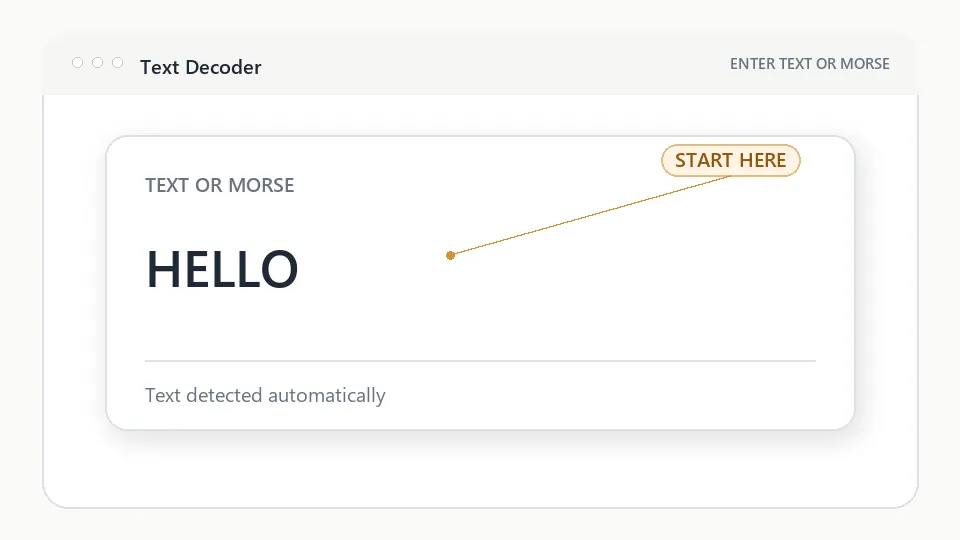
Step 1
DECODER / TEXT
Save a result from Advanced to keep it here.
HOW TO USE THIS DECODER
Visual explanation
The workspace keeps each transformation understandable while advanced controls remain optional.
Enter an ordinary message, name, word, or phrase.
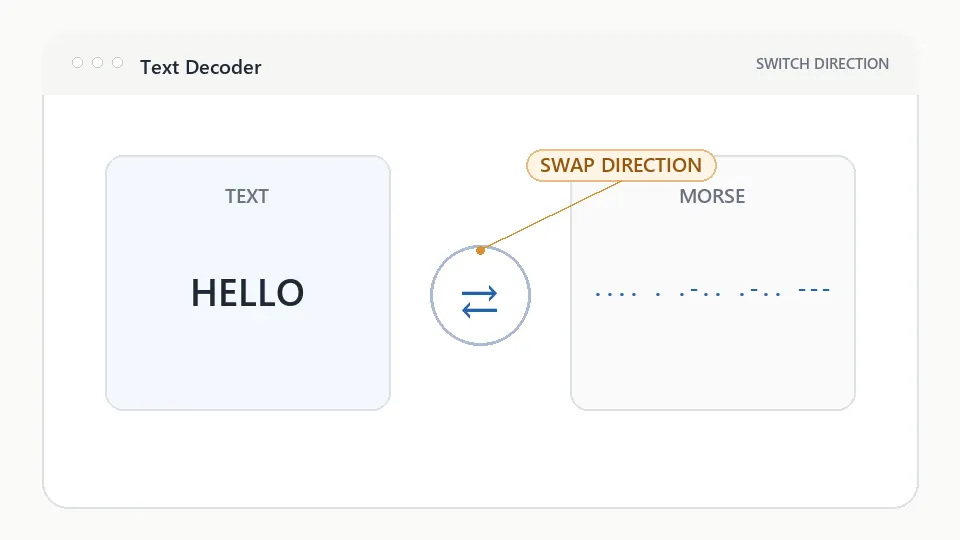
HELLOEach supported character is matched to International Morse Code.
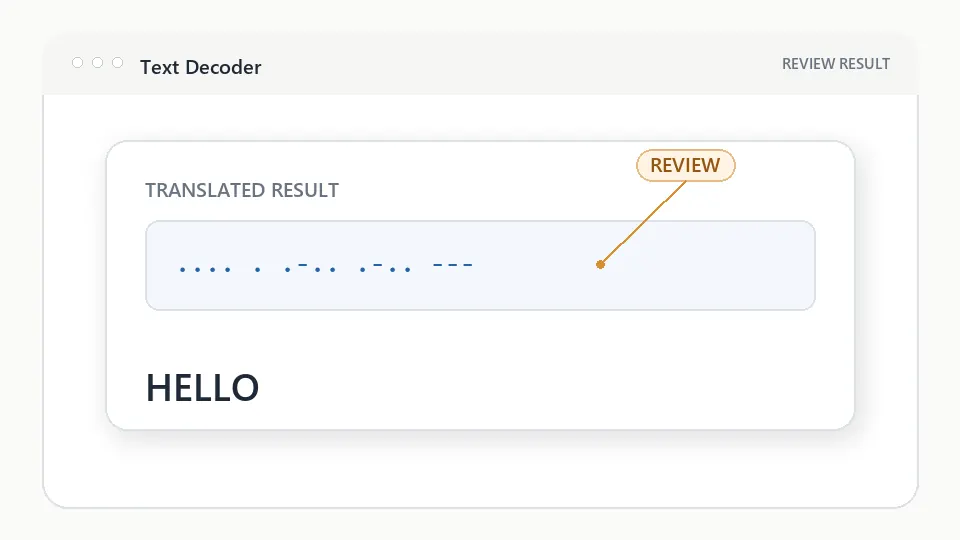
Letters and words become a readable sequence with standard spacing.
Play, copy, save, share, or study the finished signal.
TEXT DECODER QUESTIONS
Enter ordinary text in the input area. The translator automatically maps each supported character to International Morse Code and shows the result immediately.
Yes. Paste dots, dashes, spaces, and slash-separated words. The translator recognizes Morse input automatically and converts it into readable text.
No. Automatic detection chooses text-to-Morse or Morse-to-text, and the swap control lets you reverse the current result.