DECODER / TEXT

Text Morse Translator

Convert text into Morse code or decode Morse symbols instantly.
One Morse decoder system, optimized for the source you already have.
Text or MorseAuto-detect on
Text detected automatically
TextMorse
Morse codeReady
.... . .-.. .-.. ---
Signal output
AdvancedReference, analysis, save and download
Signal details100% confidence
Source
Text
Decoded text
HELLO
Detected Morse
.... . .-.. .-.. ---
Speed
10 WPM
Confidence
100%
Character breakdown
H....E.L.-..L.-..O---
Signal timelineDots, dashes and pauses
Morse reference
Try example
Saved signalsYour private Signal Library

Save a result from Advanced to keep it here.

HOW TO USE THIS DECODER
How to use the Text Morse Translator

Four practical steps illustrated with the same controls and results you see in the decoder above.
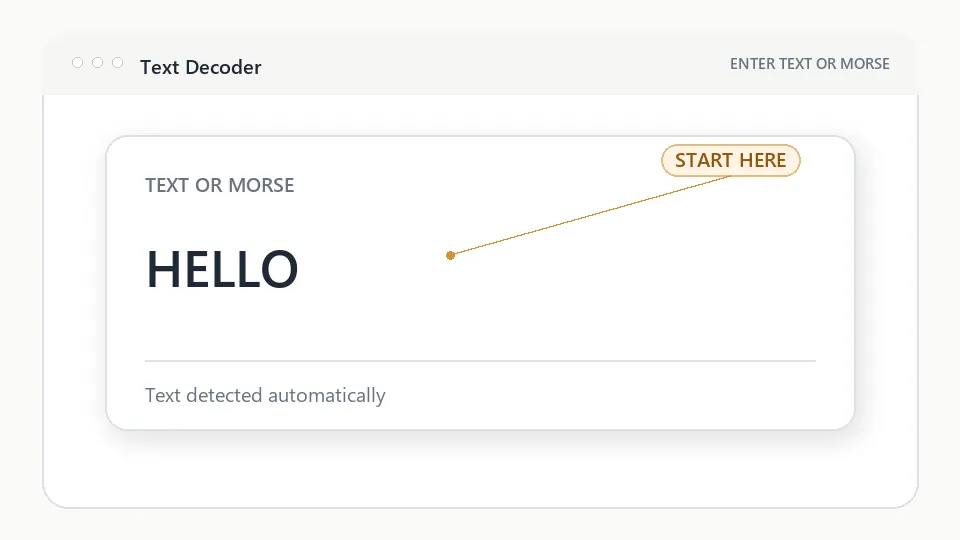
Entering text into the Text Morse Translator input interface
Figure 1. Enter textType ordinary text or paste dots and dashes. The input direction is detected automatically.
Step 1

Enter text

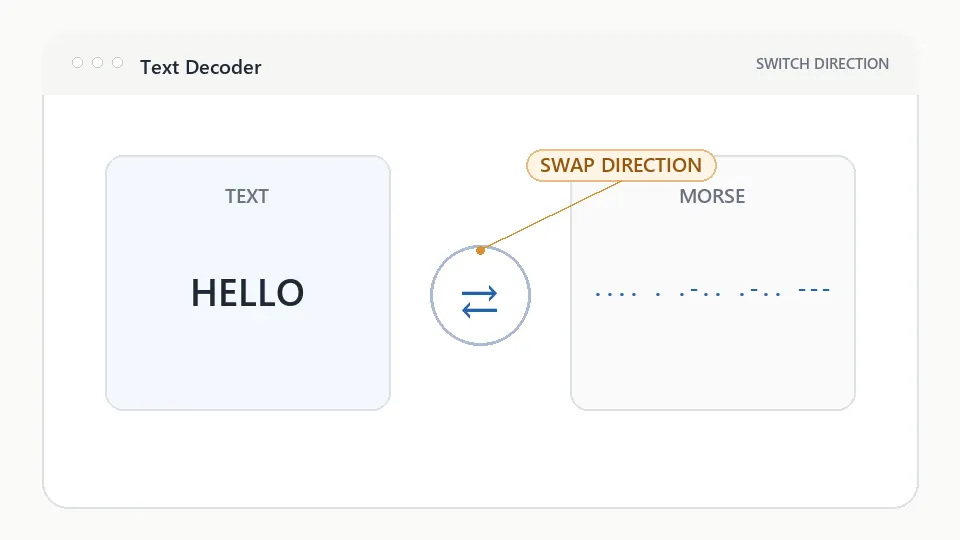
Text to Morse translator workflow showing the swap direction control between text and Morse
Figure 2. Switch directionUse the swap control to place the current result back into the input and reverse the translation.
Step 2

Switch direction

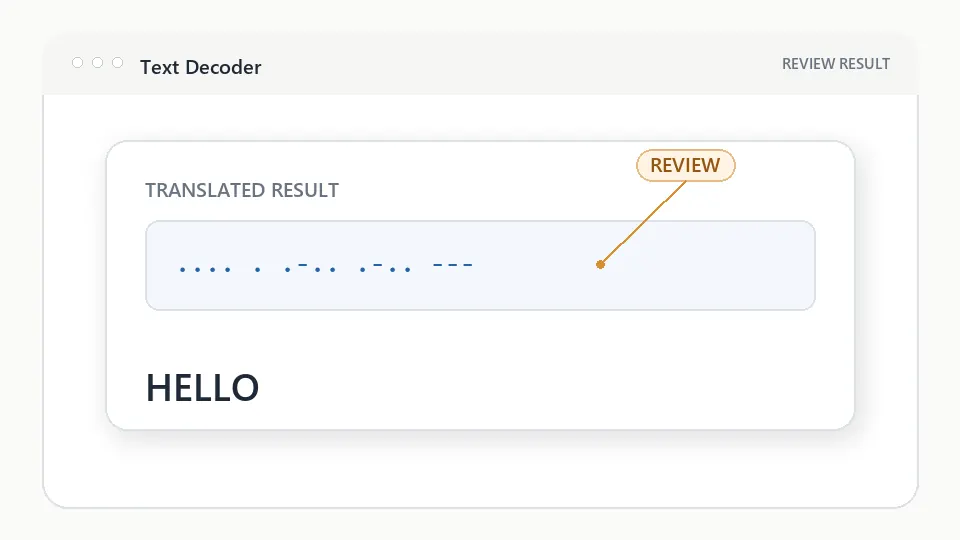
Text Morse Translator displaying converted Morse code result
Figure 3. Review Morse outputText and International Morse Code stay visible together so you can check every character.
Step 3

Review Morse output

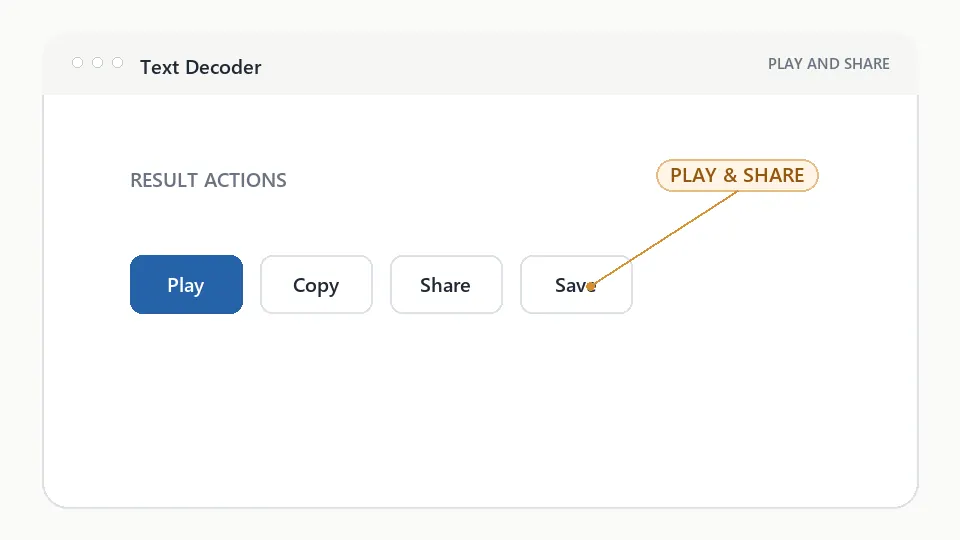
Text Morse translator result actions for playing, copying, sharing, and saving Morse code
Figure 4. Play and copyListen to the rhythm, copy the result, save it to your device library, or share a link.
Step 4

Play and copy

Visual explanation

How text becomes Morse

The workspace keeps each transformation understandable while advanced controls remain optional.

  1. Text

    Enter an ordinary message, name, word, or phrase.

    HELLO
  2. Character Mapping

    Each supported character is matched to International Morse Code.

  3. Dots & Dashes

    Letters and words become a readable sequence with standard spacing.

  4. Morse Output

    Play, copy, save, share, or study the finished signal.

DECODER REFERENCE

Understand the result, not only the output

Why use the Text Morse Translator?

Use one clear workspace for text-to-Morse and Morse-to-text conversion, listen to the rhythm, and study how individual characters are formed.

Supported input

Accepted content:

  • Plain text messages, names, words, and short phrases
  • Dots, dashes, letter spaces, and slash-separated words
  • International Morse letters, numbers, and common punctuation
  • Copied signals from charts, lessons, puzzles, or radio notes

Tips for better results

  1. Keep one space between Morse characters and use a slash between words.
  2. Check the automatic source label before copying the result.
  3. Listen to the complete rhythm instead of counting every mark.
  4. Open character breakdown in Advanced Options when learning a new word.
HELLO, character by character

Each letter is mapped independently, then the five groups are joined with standard character spacing.

H....four short
E.one short
L.-..short, long, short, short
O---three long

Result: .... . .-.. .-.. ---

Which Morse decoder should I use?

Choose the page that matches the Morse source you already have.

I have textText Morse Translator
I have an imageImage Morse Decoder
I have audioAudio Morse Decoder

TEXT DECODER QUESTIONS

Text Morse Translator, explained

How do I convert text to Morse?

Enter ordinary text in the input area. The translator automatically maps each supported character to International Morse Code and shows the result immediately.

Can Morse be translated back to text?

Yes. Paste dots, dashes, spaces, and slash-separated words. The translator recognizes Morse input automatically and converts it into readable text.

Do I need to choose the translation direction?

No. Automatic detection chooses text-to-Morse or Morse-to-text, and the swap control lets you reverse the current result.